The majority of reset requests for La Crosse Technology stations mask a problem that has nothing to do with the firmware or batteries. Before removing the batteries and pressing RESET, we recommend a quick diagnosis: does the station actually need a reset, or is the signal it is waiting for no longer available?
La Crosse Technology weather station stuck: reception failure or need for reset
A station that displays dashes instead of forecasts or that no longer updates the outdoor temperature triggers the same reflex: reset. In most cases, this is a diagnostic error.
The models in the WD range receive forecasts via the POCSAG network, a unidirectional radio protocol. If the upstream infrastructure is down or if the Star Weather service is interrupted, no reset will restore the forecast icons. The station is functioning correctly; it is the signal that is no longer arriving.
To distinguish between the two cases in less than two minutes, we proceed as follows:
- Check if the indoor temperature is displayed normally. If so, the console’s electronics are functional, and the problem is on the external reception side.
- Check the outdoor temperature. If it shows dashes, the outdoor sensor is no longer communicating with the base (sensor batteries, distance, obstacle). If it is displayed but the forecasts remain empty, it is the POCSAG stream that is at fault.
- On recent models such as La Crosse View or Mobile Alerts, forecasts are transmitted via Wi-Fi and the Internet. These ranges are not affected by a disruption of the Star Weather radio network.
This distinction prevents wasting time resetting a station whose hardware is functioning perfectly. Knowing how to reset a La Crosse Technology weather station remains useful, but only when the diagnosis confirms a software blockage of the console itself.

Complete reset procedure: station and outdoor sensor
When the diagnosis points to a real blockage (frozen display, inconsistent data, DCF-77 clock that no longer synchronizes), the reset follows a specific order. Reversing the steps or forgetting the outdoor sensor almost always results in a pairing failure.
Removing batteries in the correct order
First, remove the batteries from the outdoor sensor (TX), then from the indoor console. Wait at least five minutes. This delay allows for the complete discharge of internal capacitors and the reset of volatile memory.
Reinsert the outdoor sensor batteries first, before touching the console. The sensor immediately starts emitting its data frames approximately every four seconds. Then reinsert the console batteries: it enters search mode and picks up the TX signal in the first few minutes.
RESET button and DCF-77 synchronization
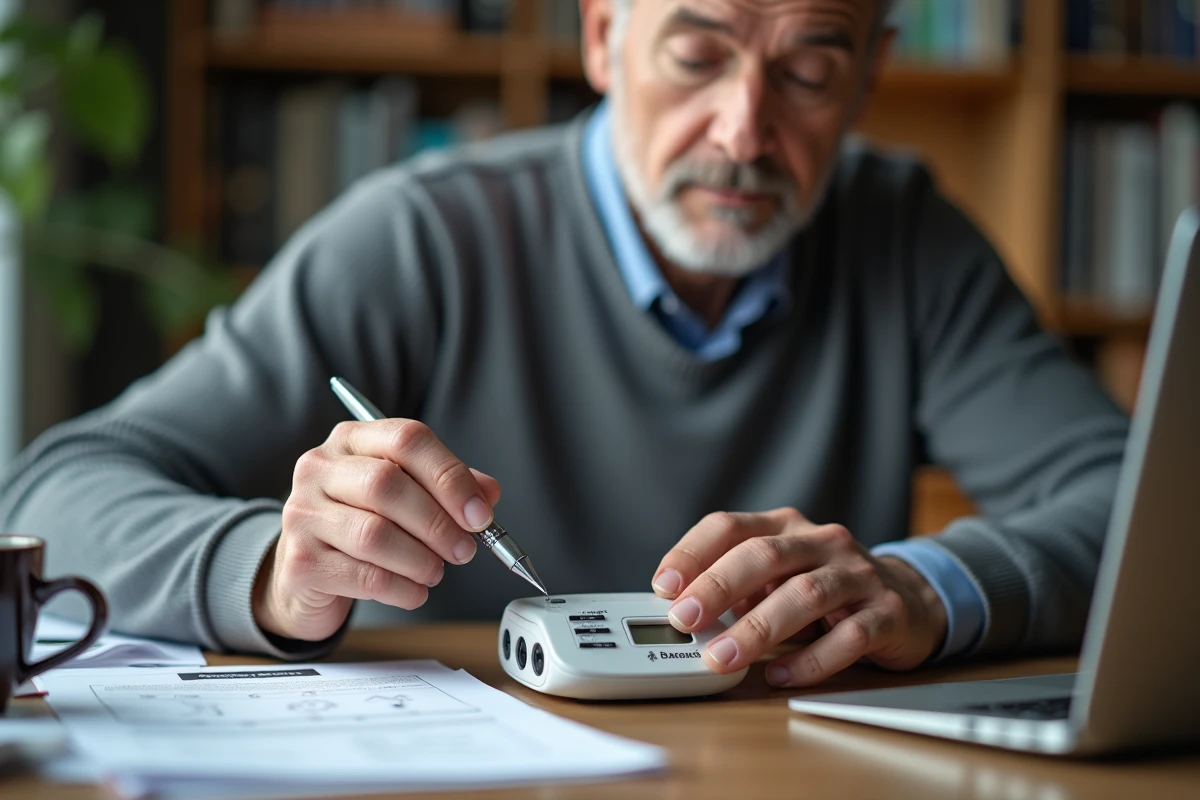
If the console has a RESET button (often a micro-button accessible with a paperclip), press it briefly after inserting the batteries. Do not hold it down for more than a second.
The DCF-77 radio-controlled clock preferably synchronizes at night when interference is minimal. Placing the station near a window during the first night speeds up the reception of the time signal. If after 24 hours the time remains incorrect, activate the manual setting via the console menu and temporarily disable DCF reception.
Re-pairing La Crosse Technology outdoor sensor: common errors
The re-pairing is the phase where most users fail. The console scans the 868 MHz frequencies for a limited window after being powered on. If the outdoor sensor does not emit during this window, the console will continuously display dashes for the outdoor temperature.
Three recurring causes:
- Sensor batteries inserted after those of the console. The scan window is already closed, and the console is no longer searching.
- Sensor placed too far away or behind a thick load-bearing wall. The range advertised by the manufacturer assumes a clear field, which is rarely the case in real housing. Move the sensor a few meters closer for the initial test.
- Sensor channel incorrectly configured. Some La Crosse Technology models allow you to select a channel (1, 2, or 3) via a switch on the TX. The sensor channel must match the one displayed on the console, otherwise the frames are ignored.
La Crosse Technology range incompatibility: an unknown trap
Replacing a faulty sensor with a separately purchased model does not guarantee compatibility. La Crosse Technology ranges use different communication protocols depending on the series. A TX sensor from a WS series will not necessarily communicate with a WD console, even if the carrier frequency is the same (868 MHz).
Compatibility depends on the frame protocol, not just the radio frequency. Before purchasing a replacement sensor, note the exact model reference of the console and check the compatibility list in the manual or on La Crosse Technology support.
This point also explains why some users, after a perfectly executed reset, still receive no outdoor data. The sensor is emitting, the console is scanning, but they are speaking different languages.
Software update and limits of embedded firmware
On connected stations (La Crosse View range), a firmware update can fix display or synchronization bugs. The mobile app manages this process automatically when the station is connected to Wi-Fi.
On older models (WS, WD ranges), no software update is possible. The firmware is burned into read-only memory. If a defect persists after a complete reset and sensor verification, the problem is hardware: worn capacitor, degraded LCD screen, or faulty radio receiver. In this case, replacing the station is the only realistic option.
Resetting remains a common and effective maintenance gesture on La Crosse Technology stations, provided the order of sensor-then-console is respected and a software blockage is not confused with a disruption of the upstream weather service. A two-minute diagnosis before any manipulation avoids the majority of failures.